Centova Cast Uploading Media via FTP

Centova Cast supports FTP for media uploads, a protocol specifically designed for efficiently transferring large files. For advanced users dealing with significant amounts of media, utilizing FTP is highly recommended for an optimal upload experience.


11views

You may also like

Centova Cast Dashboard
00:12
15views
Centova Cast Stream Overview The dashboard is designed to provide a comprehensive overview of ...
GeoIP Country Blocking
01:34
3views
Centova Cast GeoIP Country Blocking (Streaming Pulse Exclusive)Control access to your SHOUTcast ...
Video Centova Cast Ralaying
00:12
35views
Icecast Stream Relay Management Centova Cast Relaying feature enables your server to ...
Centova Cast File Manager
00:12
18views
Centova Cast Uploading Media via File Manager The File Manager within Centova Cast offers a ...
Video Centova Cast Ralaying
00:12
35views
SHOUTcast Stream Relay Management Centova Cast Relaying feature enables your server to ...
Centova Cast DJ Status
02:10
32views
Centova Cast Configuration Settings Let's take a different approach to guide you through ...
Centova Cast Settings
00:12
49views
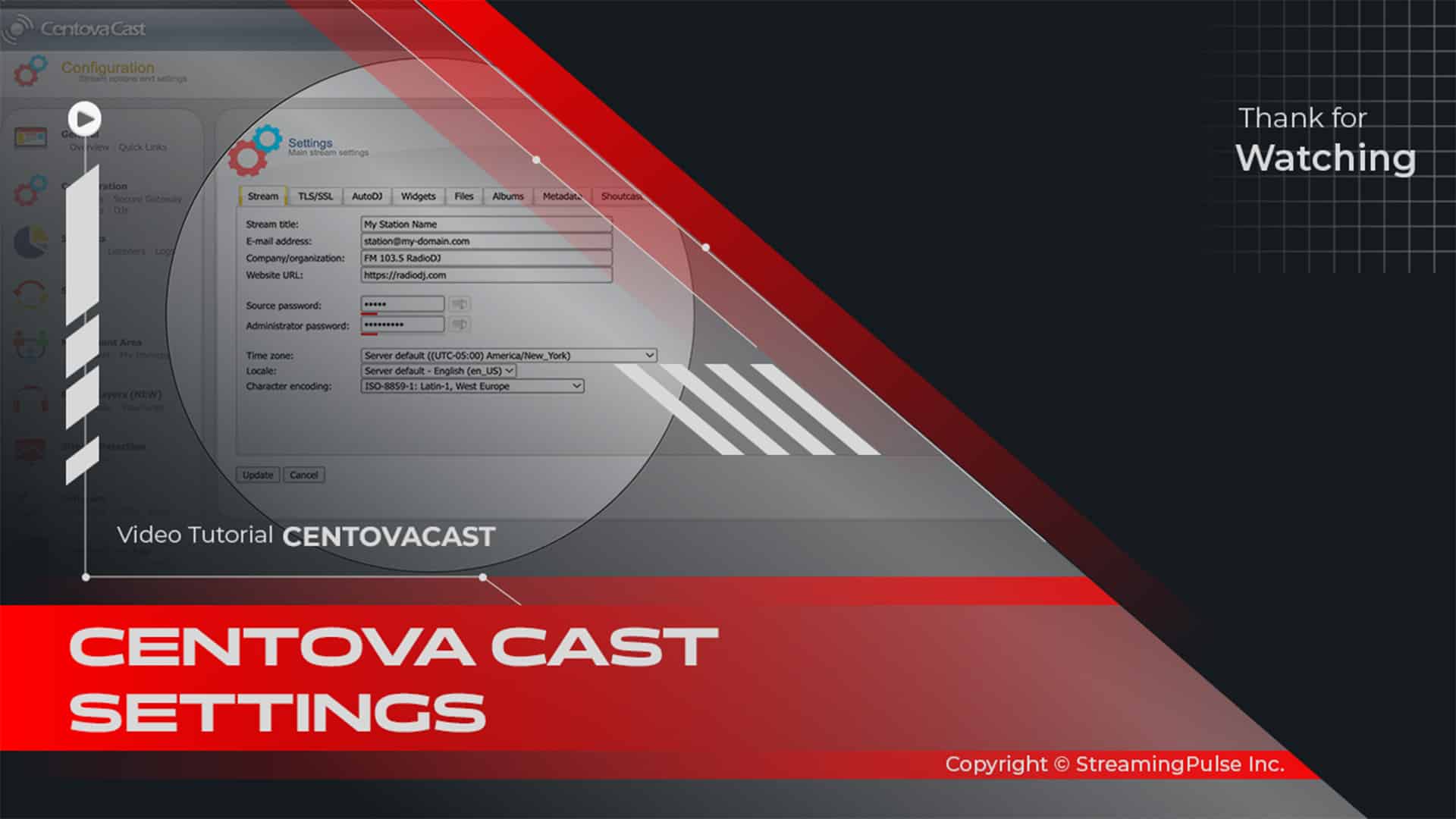
Centova Cast Configuration Settings Let's take a different approach to guide you through ...
Centova Cast Media Library
00:12
27views
Media Library Management Centova Cast Media Library makes it easy to organize and manage your ...
centova cast playlist
00:12
48views
Centova Cast Custom Playlist Management Centova Cast Playlist Manager empowers broadcasters to ...
Centova Cast Statistics
00:12
10views
Centova Cast Statistics Overview Centova Cast Statistics helps broadcasters and stream ...
Broadcast settings for Centova Cast
01:44
11views
Centova Cast Settings allow you to customize your streaming server, manage stream titles, ...
Centova Cast DJ Manager
00:12
32views
Centova Cast DJ Manager The DJ Manager lets you create and manage DJ accounts and control which ...
Centova Cast Media Library
00:12
40views
How to Drag & Drop Media in Centova Cast Learn how to drag and drop media files into ...