Centova Cast Uploading Media via FTP

Centova Cast supports FTP for media uploads, a protocol specifically designed for efficiently transferring large files. For advanced users dealing with significant amounts of media, utilizing FTP is highly recommended for an optimal upload experience.


8views

You may also like

Centova Cast DJ Status
02:10
25views
Centova Cast Configuration Settings Let's take a different approach to guide you through ...
Centova Cast DJ Manager
00:12
19views
Centova Cast DJ Manager The DJ Manager lets you create and manage DJ accounts and control which ...
Centova Cast Statistics
00:12
7views
Centova Cast Statistics Overview Centova Cast Statistics helps broadcasters and stream ...
Video Centova Cast Ralaying
00:12
26views
SHOUTcast Stream Relay Management Centova Cast Relaying feature enables your server to ...
Centova Cast Media Library
00:12
15views
Media Library Management Centova Cast Media Library makes it easy to organize and manage your ...
Video Centova Cast Ralaying
00:12
26views
Icecast Stream Relay Management Centova Cast Relaying feature enables your server to ...
Broadcast settings for Centova Cast
0views
Centova Cast Settings allow you to customize your streaming server, manage stream titles, ...
Centova Cast File Manager
00:12
13views
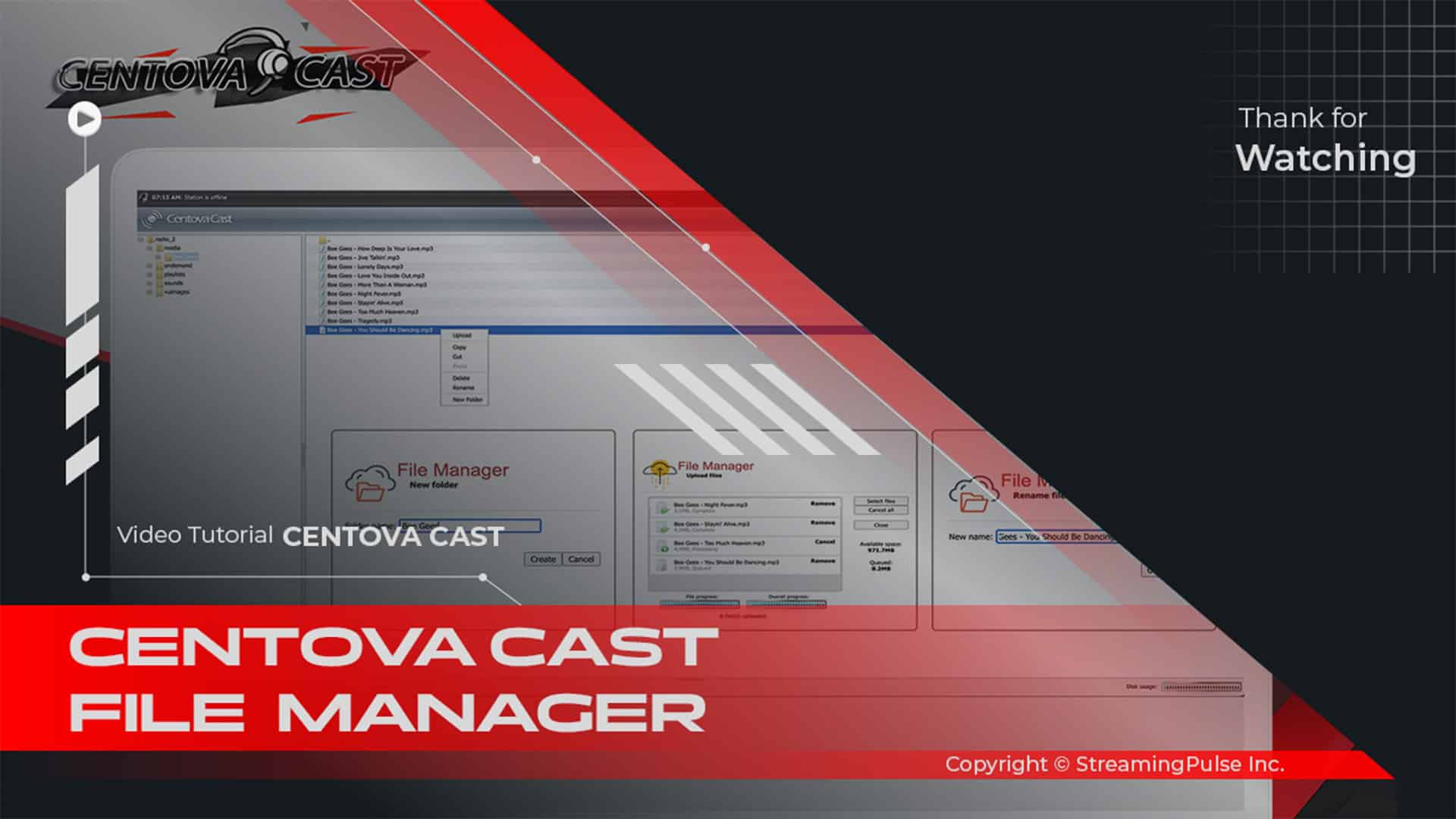
Centova Cast Uploading Media via File Manager The File Manager within Centova Cast offers a ...
centova cast playlist
00:12
32views
Centova Cast Custom Playlist Management Centova Cast Playlist Manager empowers broadcasters to ...
GeoIP Country Blocking
01:34
2views
Centova Cast GeoIP Country Blocking (Streaming Pulse Exclusive)Control access to your SHOUTcast ...
Centova Cast Dashboard
00:12
7views
Centova Cast Stream Overview The dashboard is designed to provide a comprehensive overview of ...
Centova Cast Settings
00:12
35views
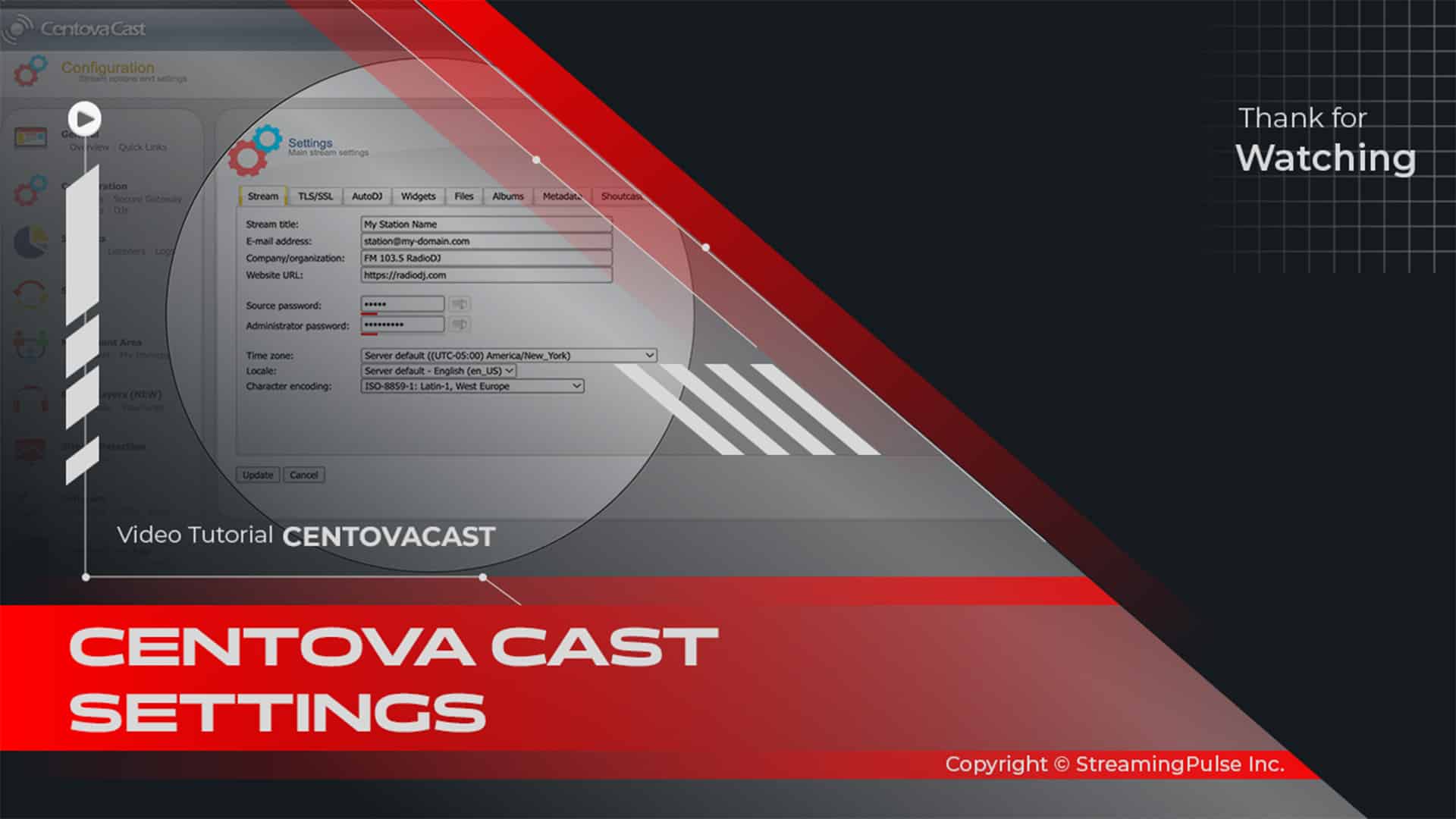
Centova Cast Configuration Settings Let's take a different approach to guide you through ...